
About Cosmos
Cosmos Hub is the flagship chain of the Cosmos ecosystem, an "internet of blockchains" connected via the Inter-Blockchain Communication (IBC) protocol.
Donate Cosmos or send leftover ATOM
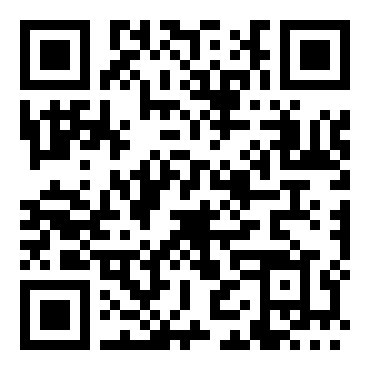
Whether you're looking to donate Cosmos, figure out what to do with leftover ATOM, or just clear a small amount of ATOM dust out of an old wallet, this page covers it — scan the QR code below or copy the address, no account or minimum required.
Cosmos wallet address
Scan the QR code or copy the address below. Double-check it's on the Cosmos Hub before sending.
Why people send leftover Cosmos
Cosmos Hub staking rewards and the many IBC-connected chains in its ecosystem tend to leave small, forgotten ATOM balances scattered across wallets, especially for people who staked once and moved on.
How to send it
Find the withdraw or send option for ATOM.
Scanning is usually fastest from a phone; copy/paste works well on desktop.
This address is specific to the Cosmos Hub network (bech32 addresses starting with "cosmos1") — other Cosmos-ecosystem chains use different address prefixes and this address will not receive funds sent on those chains.
Once everything matches, confirm the transaction. You can verify it landed using the Mintscan link above.
Fees to expect
Cosmos Hub transaction fees are generally low, typically a small fraction of a cent to a few cents depending on network conditions.